
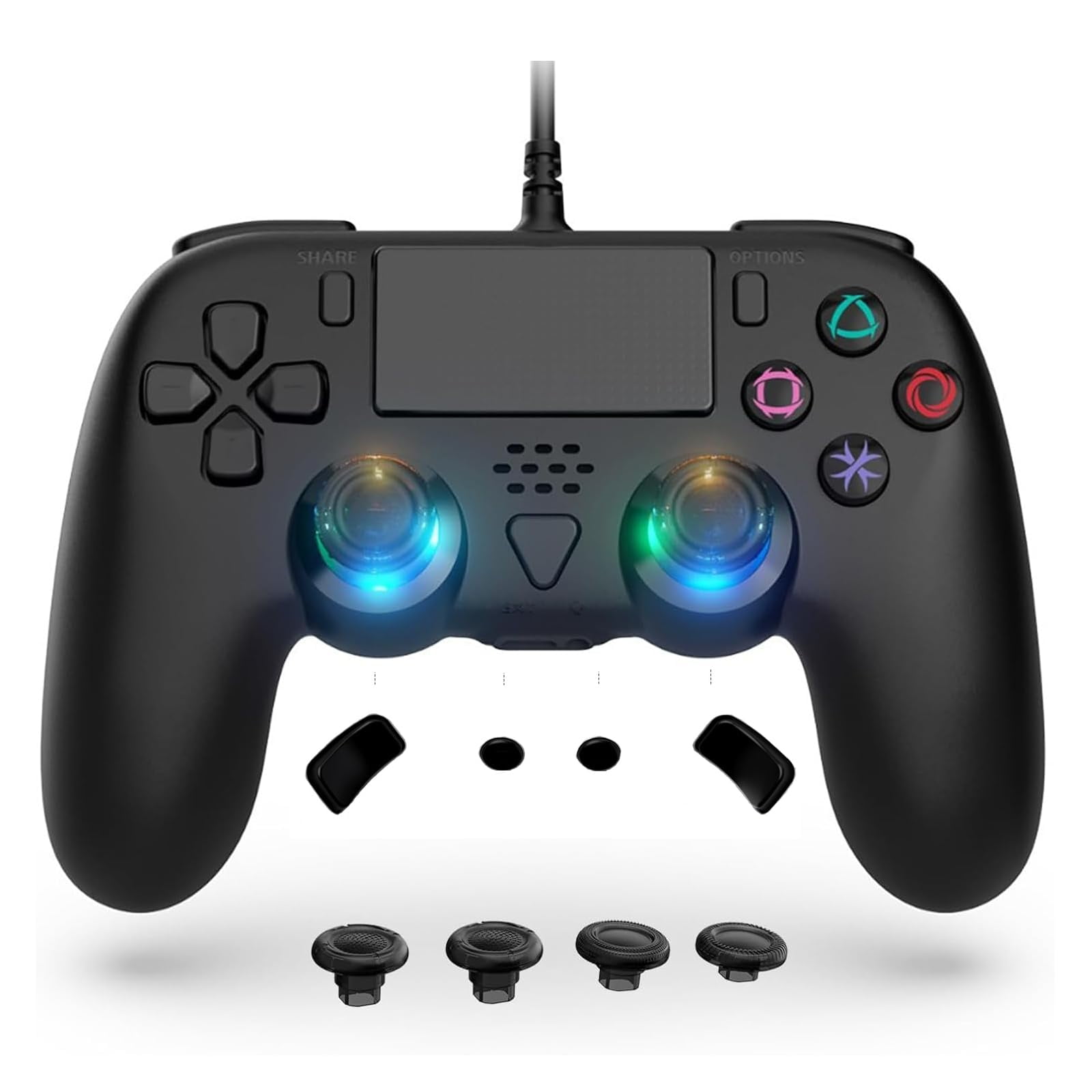
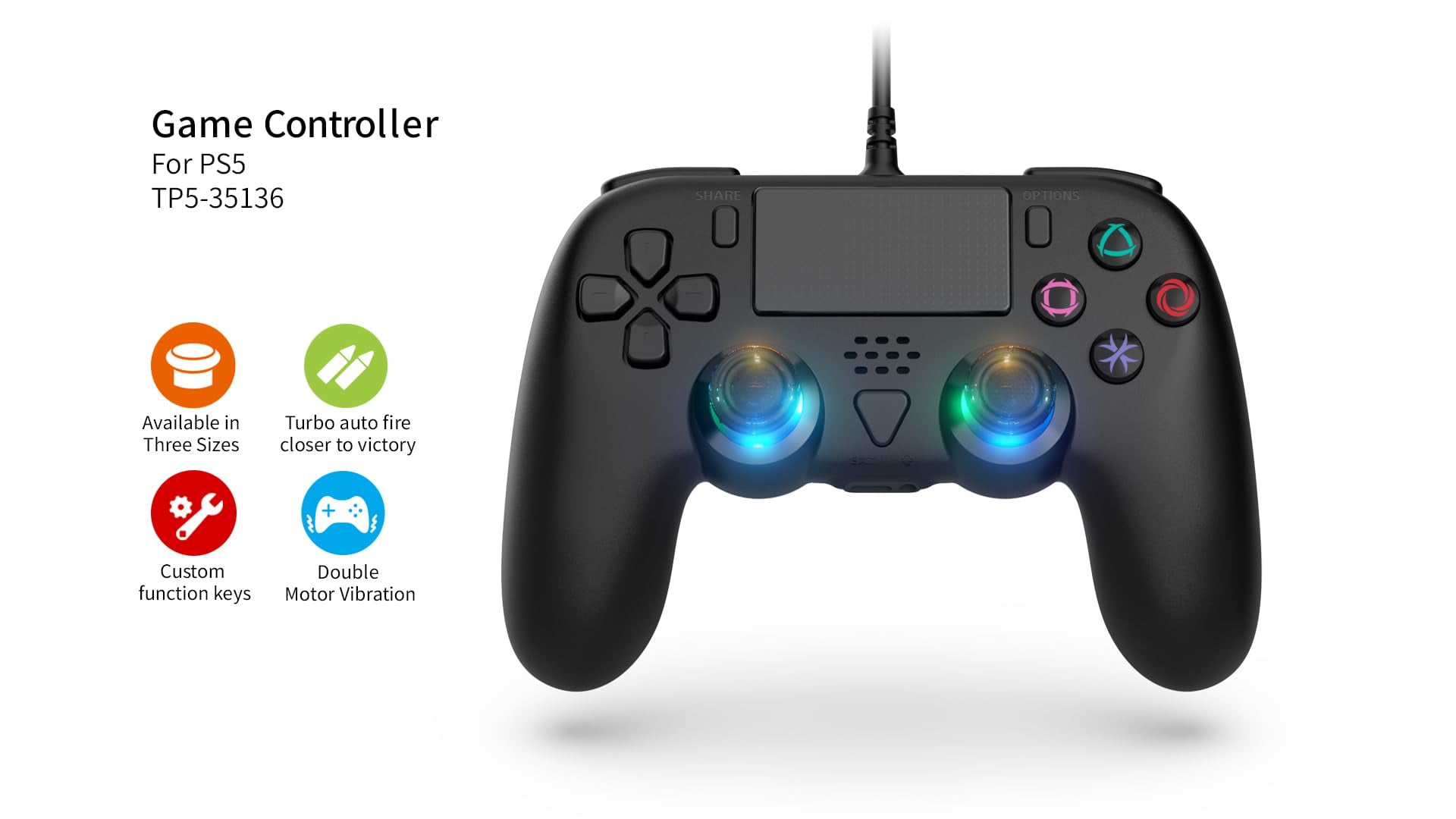
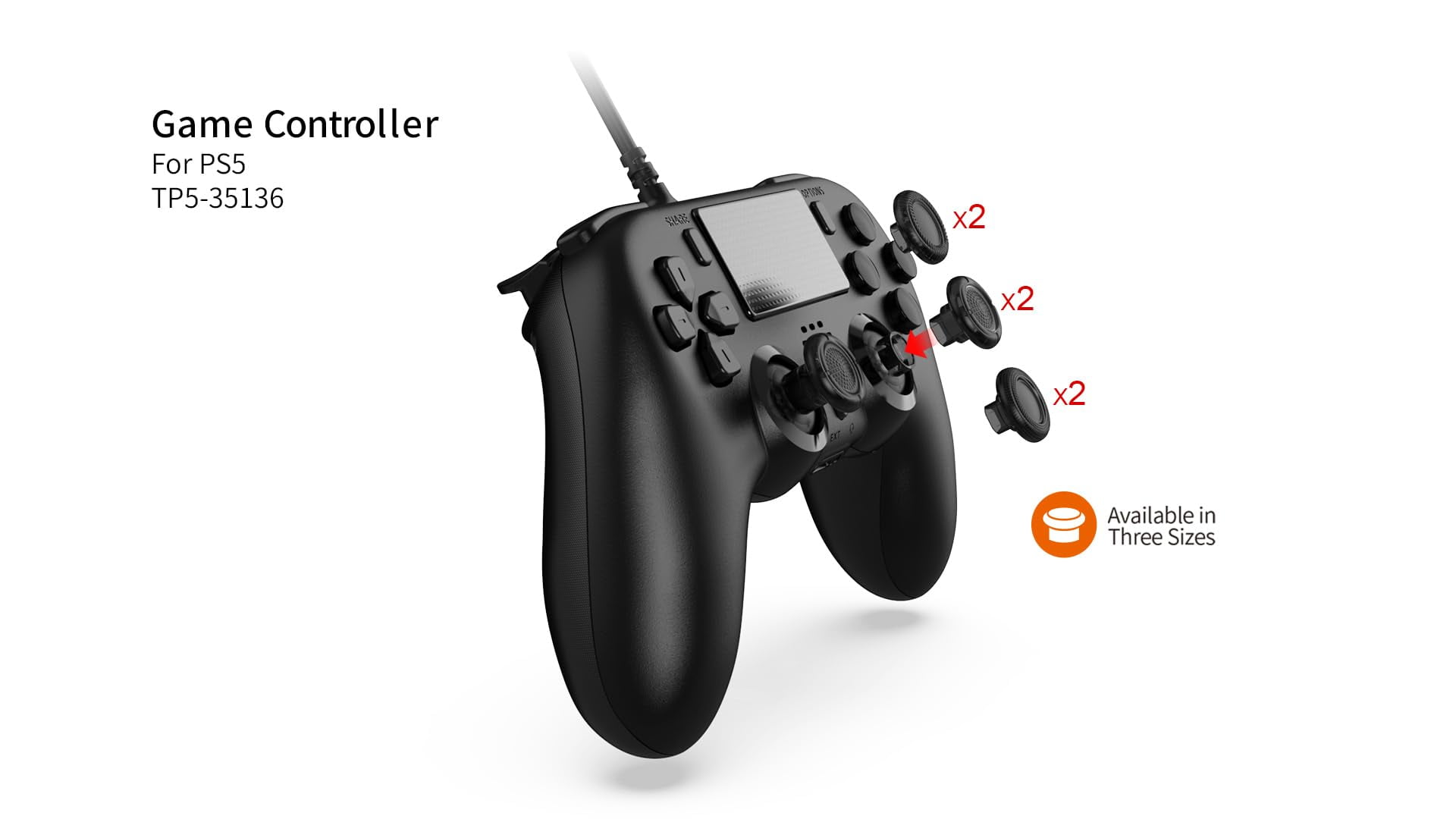
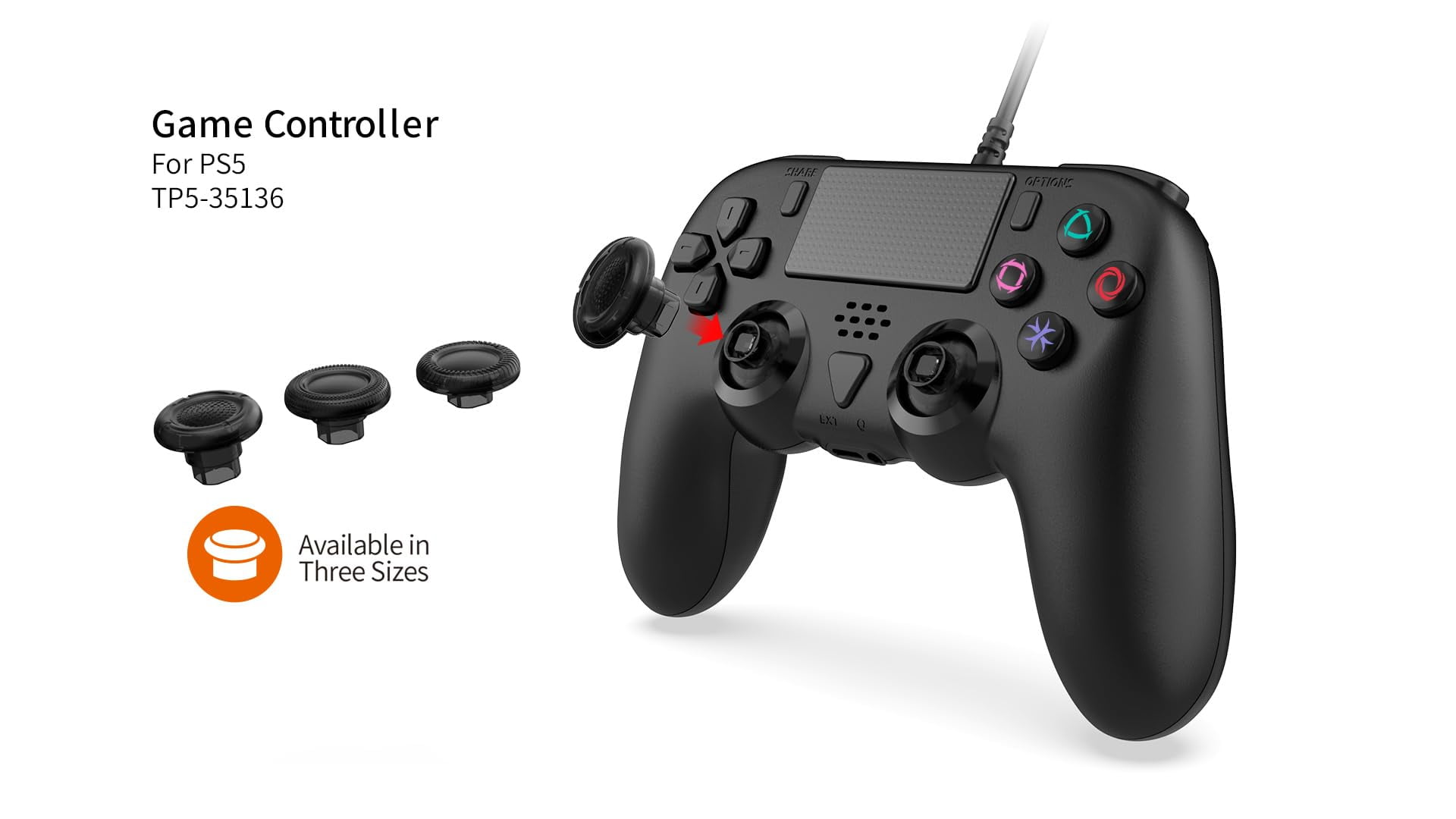
GAMFAMI Wired Controller Compatible with PS5/PS5 Pro/PS5 Slim/PC - Wired Controller with Built-in Advanced Back Buttons Programming/Turbo,with Thumbsticks | 2 High-Rise, 2 Mid-Rise (Black)
Product details
| Management number | 230595723 | Release Date | 2026/06/18 | List Price | $22.40 | Model Number | 230595723 | ||
|---|---|---|---|---|---|---|---|---|---|
| Category | |||||||||
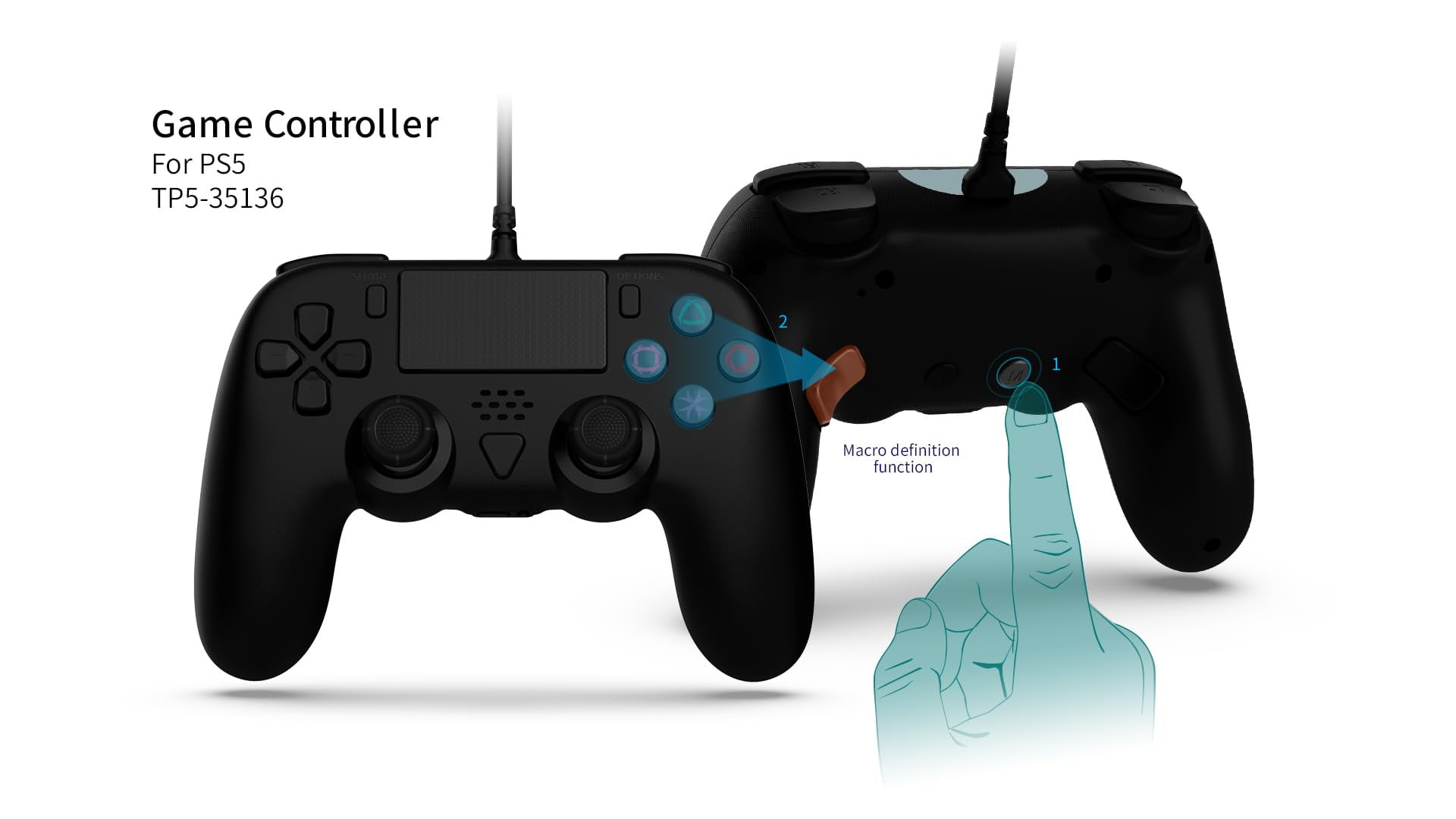
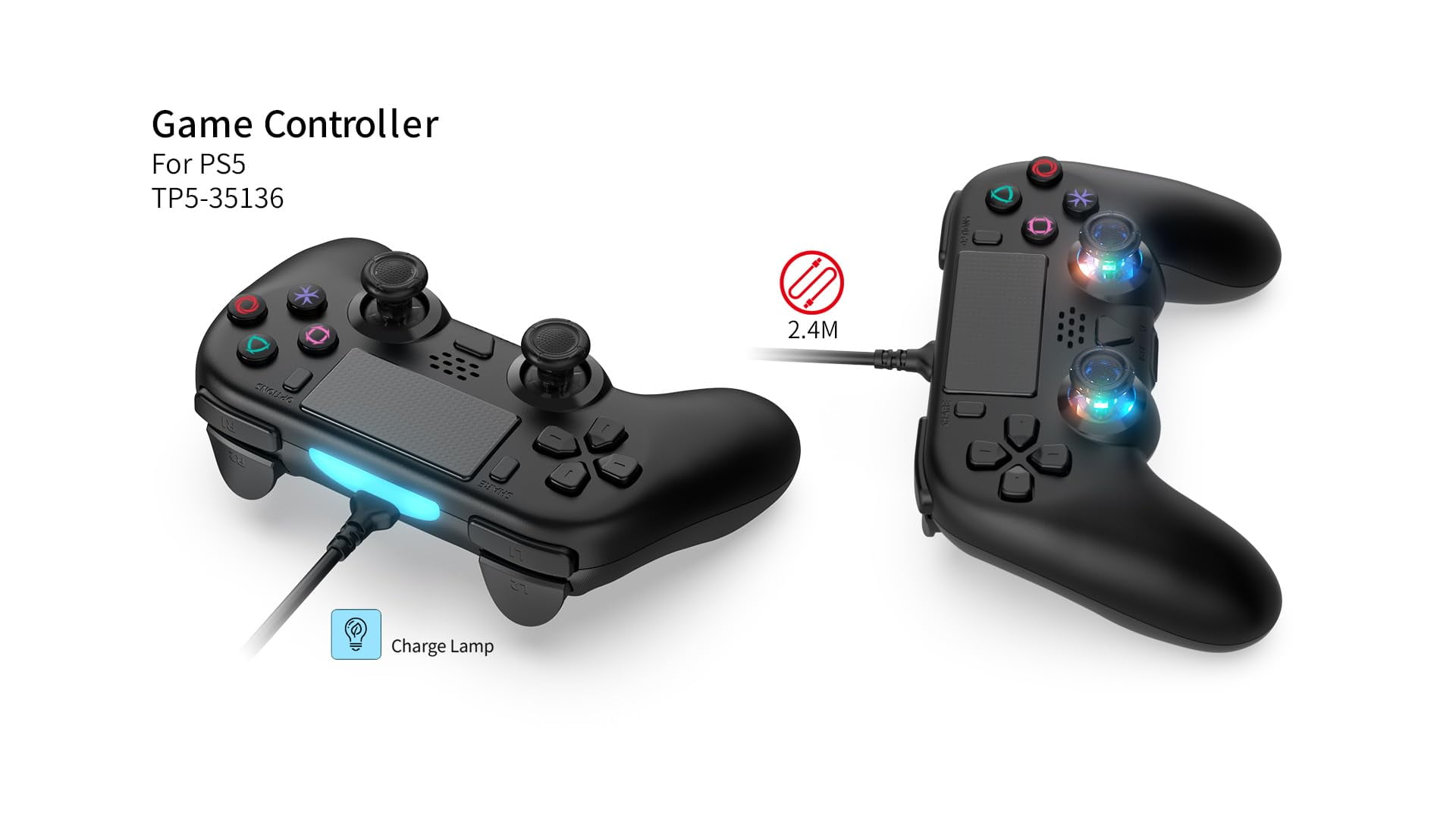
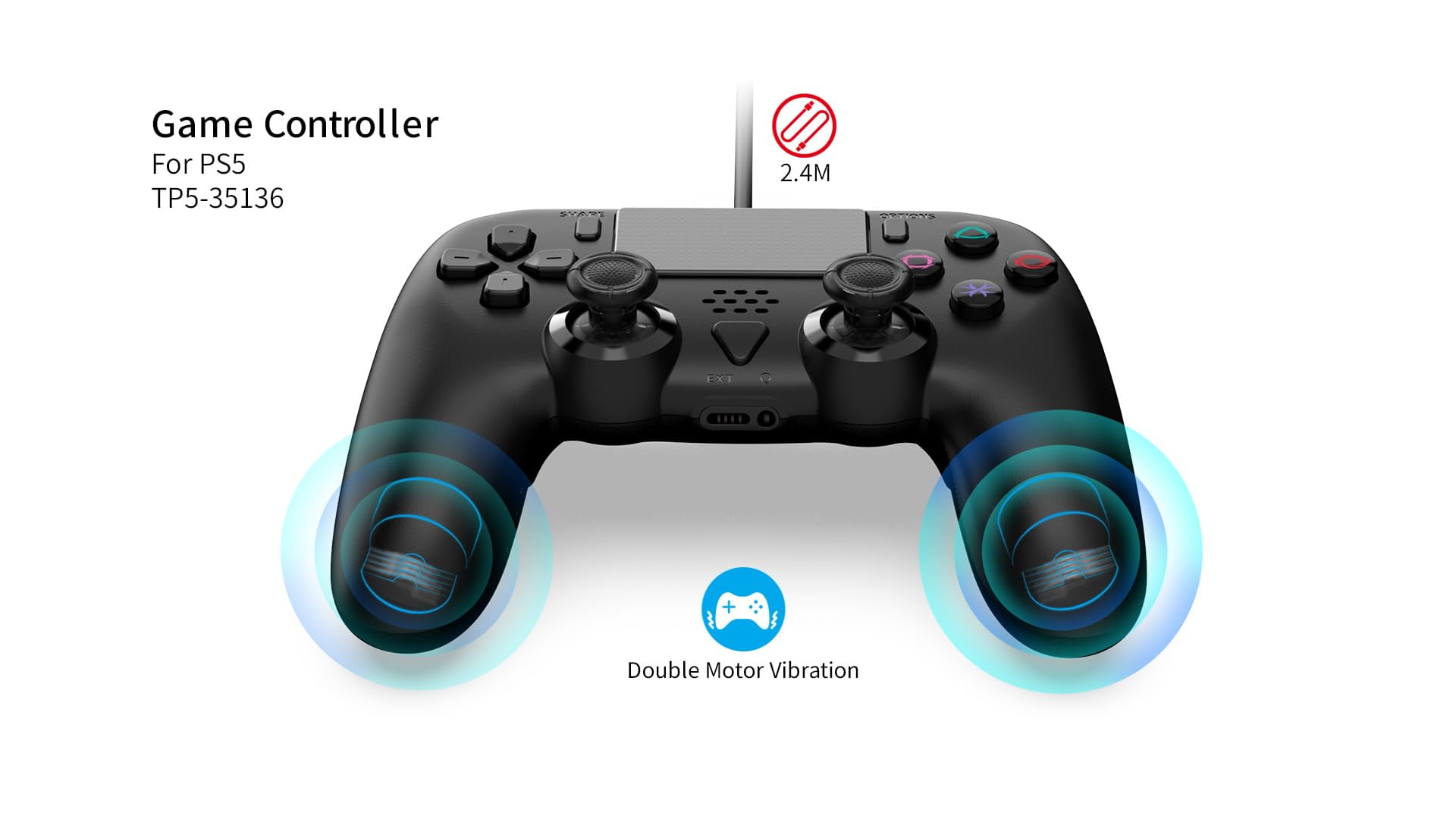
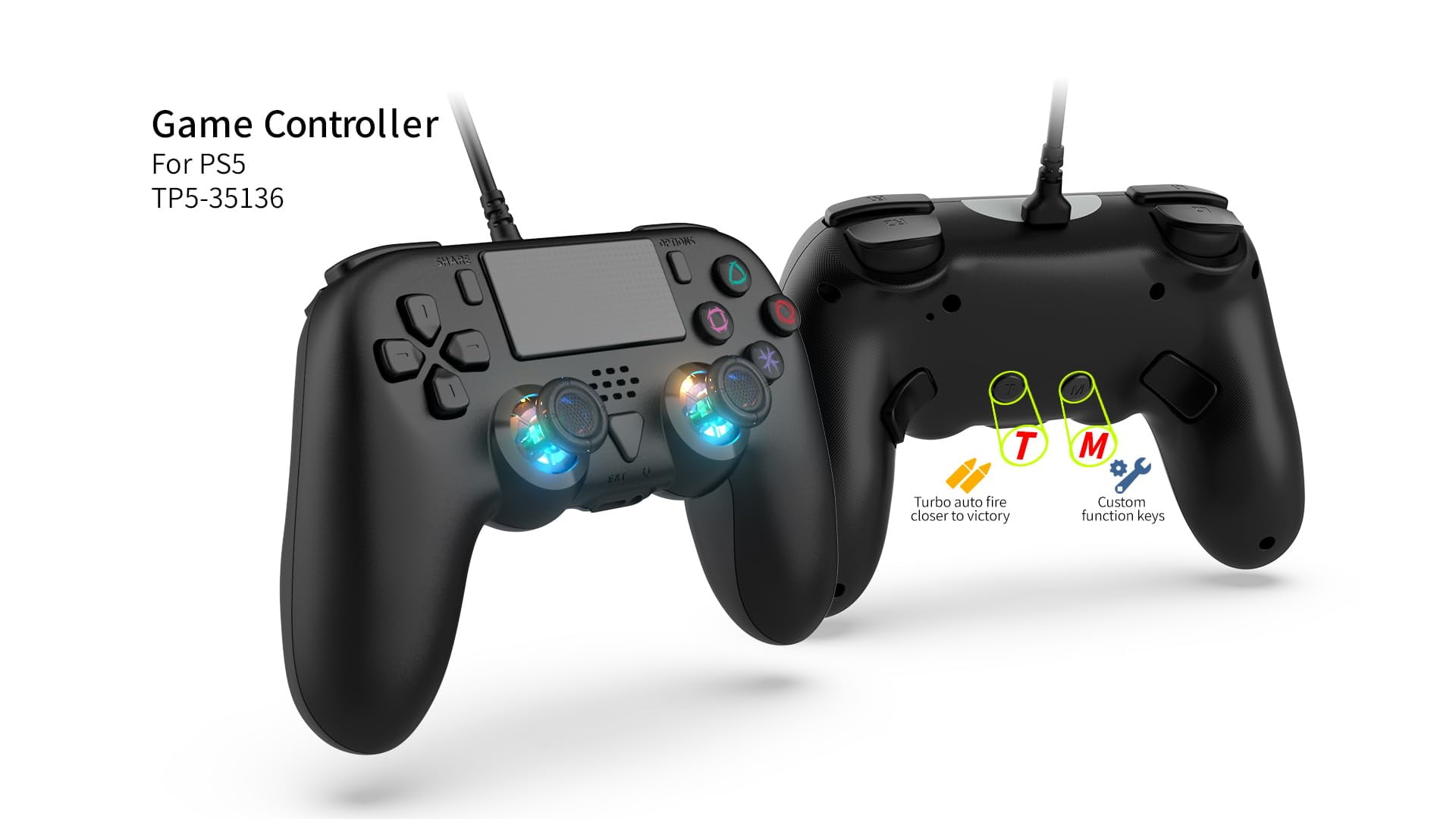
<p><strong>Usage Instructions:,</strong></p><p><strong> (a) Connecting to PS5</strong></p><p><strong> 1.Power on the console and enter the normal standby interface. To avoid connection issues, set the communication method as follows:</strong></p><p></p><p><strong> “Settings” → “Accessories” → “Controllers (General)” → “Connection Method” → “Use USB Cable” 2.Plug the controller’s USB cable into the console and press the PS (HOME) button on the controller to connect to the PS5 console. The blue light will stay on when connected successfully.</strong></p><p><strong> 3.The light bar on the front of the controller will light up. Press any function button on the controller to operate the game console, indicating a successful connection.</strong></p><p><strong> 4.During normal gameplay, the controller will vibrate according to the game’s rules. The controller uses dual motors.</strong></p><p><strong> 5.Video Recording Function: Double-click the Share button to start screen recording, and double-click the Share button again to stop.</strong></p><p><strong> 6..Screenshot Function: Long press the SHARE button to capture a screenshot of the current screen.</strong></p><p><strong> 7.If using two controllers simultaneously, connect them to the front and rear USB ports of the console. Connecting both controllers to either the front or rear USB ports may cause issues with the headphone function of one of the controllers.</strong></p><p><strong> 8.To use the microphone function during gameplay, connect a headset with a microphone to the 3.5mm headphone jack on the controller.</strong></p><p><strong> (b) Connecting to PC</strong></p><p><strong> When connecting to a PC, it is plug-and-play. You can play games that are compatible with the controller on PC/Steam.</strong></p><p><strong> Macro Definition Function:</strong></p><p><strong> 1.Setting M1 and M2 Buttons:</strong></p><p><strong> Press and hold the M button and then press M1 to enter the macro definition mode. The connection indicator light will turn orange. Then, press the combination of keys you want to define (↑, ↓, ←, →, △, ○, □, X, L1, R1, L2, R2, L3, R3). Note that you can define up to 14 key values to a single back button in macro definition mode. After setting the desired key sequence, press the programming button, then press M1 to complete the setup. Both M1 and M2 back buttons can be set for single or multiple key programming. The controller supports programming for a total of 14 key values: A/B/X/Y/L/R/ZL/ZR/L3/R3/Up/Down/Left/Right. The procedure for setting the M2 button is the same.</strong></p><p><strong> 2.Clearing Custom Key Functions:</strong></p><p><strong> To clear a custom key function, press the M button and the corresponding custom key (M1/M2). The connection indicator light will turn orange. Press the custom key (M1/M2) again to clear the function.</strong></p><p><strong> TURBO Function Settings:</strong></p><p><strong> 1.Semi-Automatic TURBO Function Setting: Press and hold the T button, then press the desired function button.</strong></p><p><strong> 2.Keys that Can Be Set for TURBO Function: △, ○, □, X, L1, R1, L2, R2.</strong></p><p><strong> 3.Clearing an Already Set TURBO Function: To clear the TURBO function from a button, press and hold the T button and the button with the TURBO function set.</strong></p>
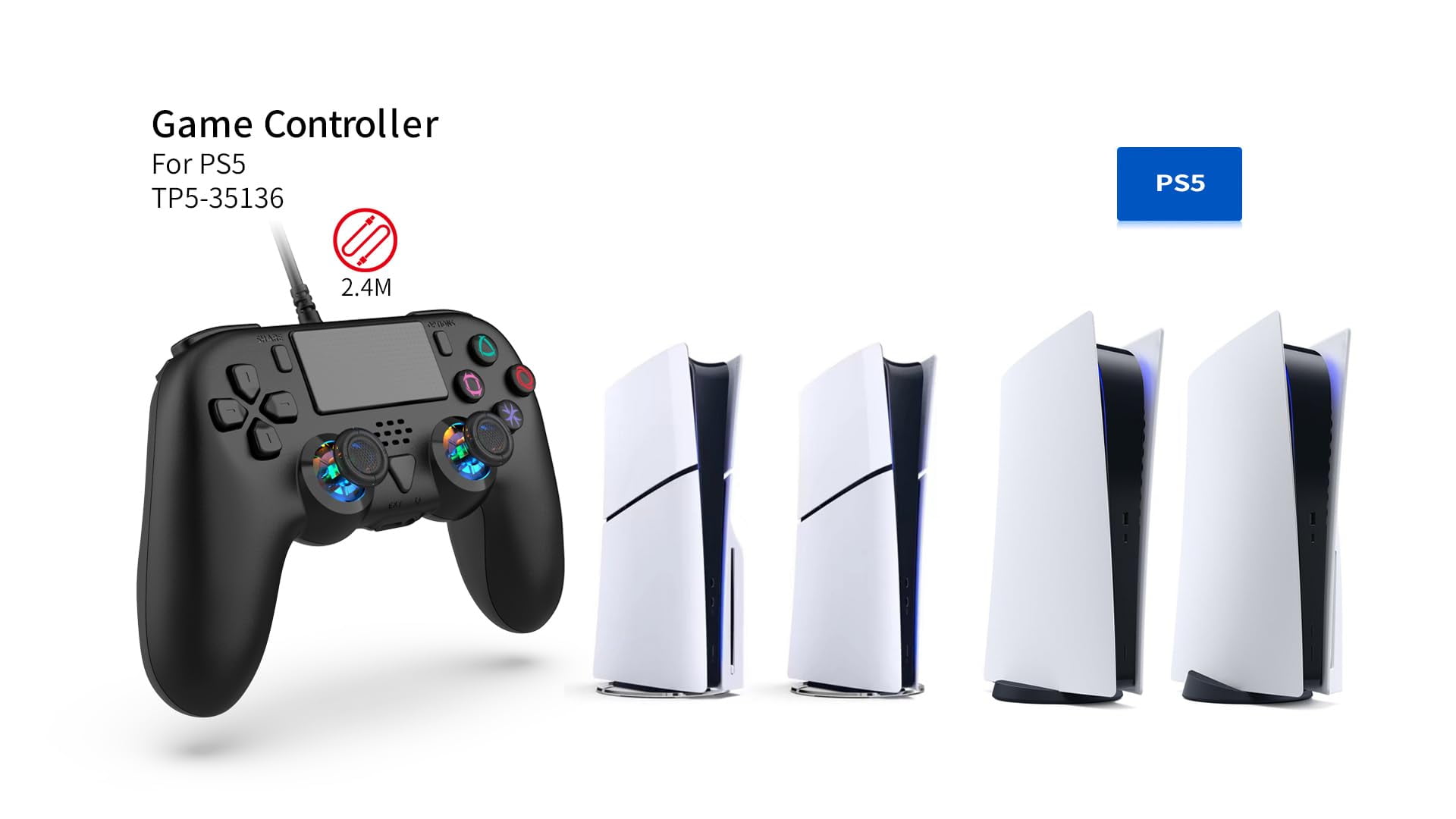
- [Multi-Support] Support wired use of PS5 Console, support PS5 games, and support wired connection to PC system (specific PC needs to be determined based on game support).
- [Multi-Function] Supports asymmetric dual motor vibration,Six-axis MotionSensing, TURBO, and touchpad functions. 2.4m long connecting wire
- [Speakers and Headphone Jack]Equipped with an external speaker and a 3.5mm headphone jack, the external speaker can clearly reproduce various sounds in the game scene. The 3.5mm headphone jack can be inserted into the headphones to chat with friends online
- [Programming Function]Support programming function, which can map and program frequently used action keys or combination keys to the back buttons, improving the gaming control experience.
- [Ergonomic Design]The Controller design structure conforms to ergonomics and provides a comfortable hand feel during use.
| Brand | GAMFAMI |
|---|---|
| Video game platform | PlayStation 5, PC |
| Power type | Corded Electric |
| Color | Black |
| Connection | USB |
| Compatible models | PS5, PS5 Pro, PS5 Slim |
| Compatibility | PS5 |
| Video game controller type | Pads |
| Number of controllers | 1 |
| Has written warranty | No |
| Dexterity | Ambidextrous |
Bestseller ranking
Toilet Plungers & Holders



Customers who viewed this product also viewed
PlayStation 5 (PS5) Controllers
Correction of product information
If you notice any omissions or errors in the product information on this page, please use the correction request form below.
Correction Request Form